3 restaurant software vendors integrate with Gusto: 0 native, 3 certified, 0 marketplace. Depth-scored by our editorial team.
Restaurant Software That Integrates with Gusto
Gusto is a payroll and benefits platform popular with small and mid-size restaurants. Scheduling tools send approved hours and tips to it so payroll runs off real worked time.
For this guide we tested and reviewed the platforms hands-on wherever a trial or demo was available, and verified each price against the vendor's own pricing page before publishing.

Gusto integration facts #
- Category
- Payroll / benefits
- What it syncs
- Approved hours, overtime, tips
- Sync direction
- One-way (scheduling → Gusto)
- Setup steps
- Connect Gusto from the scheduling tool's payroll settings, map employees
- Auth
- OAuth (Gusto sign-in)
- Plan availability
- Scheduling-tool payroll feature
- Data residency
- Cloud (Gusto-hosted)
- Limitations
- Depends on timecard approval; export is one-way
Overview #
A Gusto connection closes the loop between the schedule and the paycheck. 7shifts and Deputy both export approved timesheets to Gusto so managers aren\'t re-typing hours on payday, and When I Work lists Gusto among its payroll connectors. Worked hours, overtime flags and tips flow from the scheduling app into Gusto\'s payroll run.
Native integrations (0) #
Built-in, first-class. The platform ships with automated data sync and reconciliation, no marketplace install required.
No vendor in our directory ships a native Gusto integration. Check the certified list below.
Certified integrations (3) #
Vendor is in the Gusto partner certification program. Tested connector, formal support contract.

7shifts
Certified
Deputy
Certified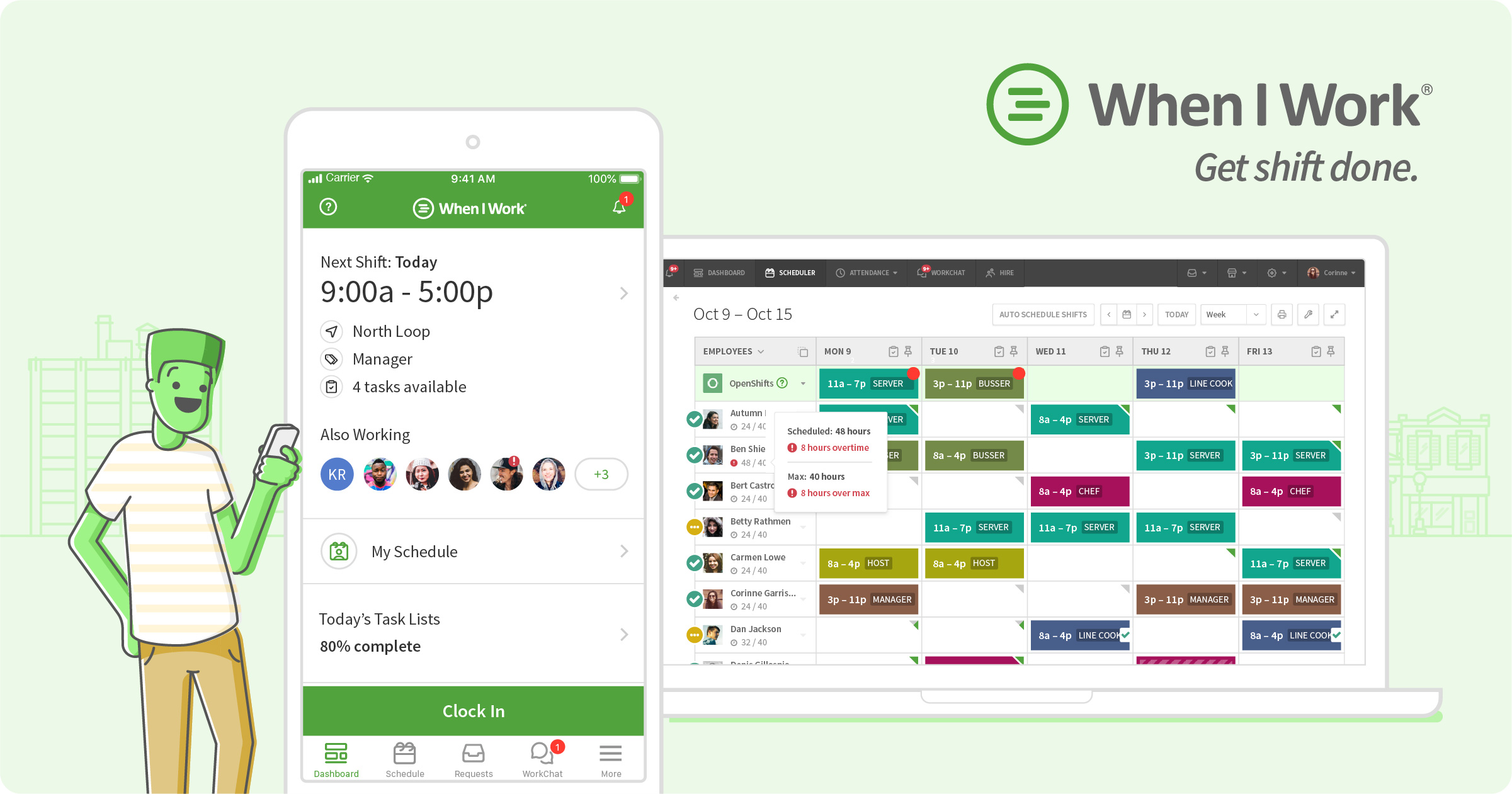
When I Work
CertifiedHow Gusto integration works #
Gusto connects to restaurant platforms through one of three technical patterns: (1) native data feed built into the platform; (2) certified partner-marketplace connector installed by admins; or (3) webhook/API integration built via the vendor's REST API and file/data exchange.
The choice of pattern determines the depth of data sync, reconciliation and record mapping available. Native feeds ship in weeks; marketplace connectors deploy in days; API builds require engineering.
- Verify vendor integration depth (native / certified / marketplace)
- Install connector from the vendor's integration directory or marketplace
- Complete OAuth 2.0 handshake or API key exchange
- Map menu items, sales and staff records to the platform schema
- Configure reconciliation and sync frequency for each data feed
- Test the sync with 5-10 real transactions
- Roll out to production in a phased pilot
Top 3 use cases for Gusto + restaurant software #
- ✓ Export approved worked hours and tips to Gusto for each pay run
- ✓ Carry overtime and break flags from scheduling into payroll
- ✓ Avoid re-keying timesheets between the schedule and payroll
Limitations to verify before signing #
The hand-off is only as clean as the approval step before it — unapproved or edited timecards can still throw a pay run off. These are scheduling-to-payroll exports, so the direction is one-way into Gusto.
Frequently asked questions #
From vendor research: 7shifts, Deputy and When I Work name Gusto.
Yes, where the scheduling tool tracks tips — approved hours and tips export together into the pay run.
Book a Gusto demo
Vendor-facilitated. We forward your request to their sales team within 24 hours.
- Choose a preferred date + time slot
- 30-minute product walkthrough
- Custom pricing based on your seat count