For this guide we tested and reviewed the platforms hands-on wherever a trial or demo was available, and verified each price against the vendor's own pricing page before publishing.
When I Work is the low-per-seat pick for restaurants that want to build the weekly schedule fast, track hours, and message the team in one tool — not a POS, and not a back-office suite. It shines for a single café or a multi-unit group that already has a point-of-sale it likes and just needs the labor side handled month-to-month. If you want ordering, menu, and card processing in the same login, this isn't that product; pair it with your POS instead.
When I Work, Inc. is a privately held Minneapolis workforce-management vendor — this is scheduling and time-and-attendance software, not a payment processor, so it never touches a percentage of your sales.
What Is When I Work #
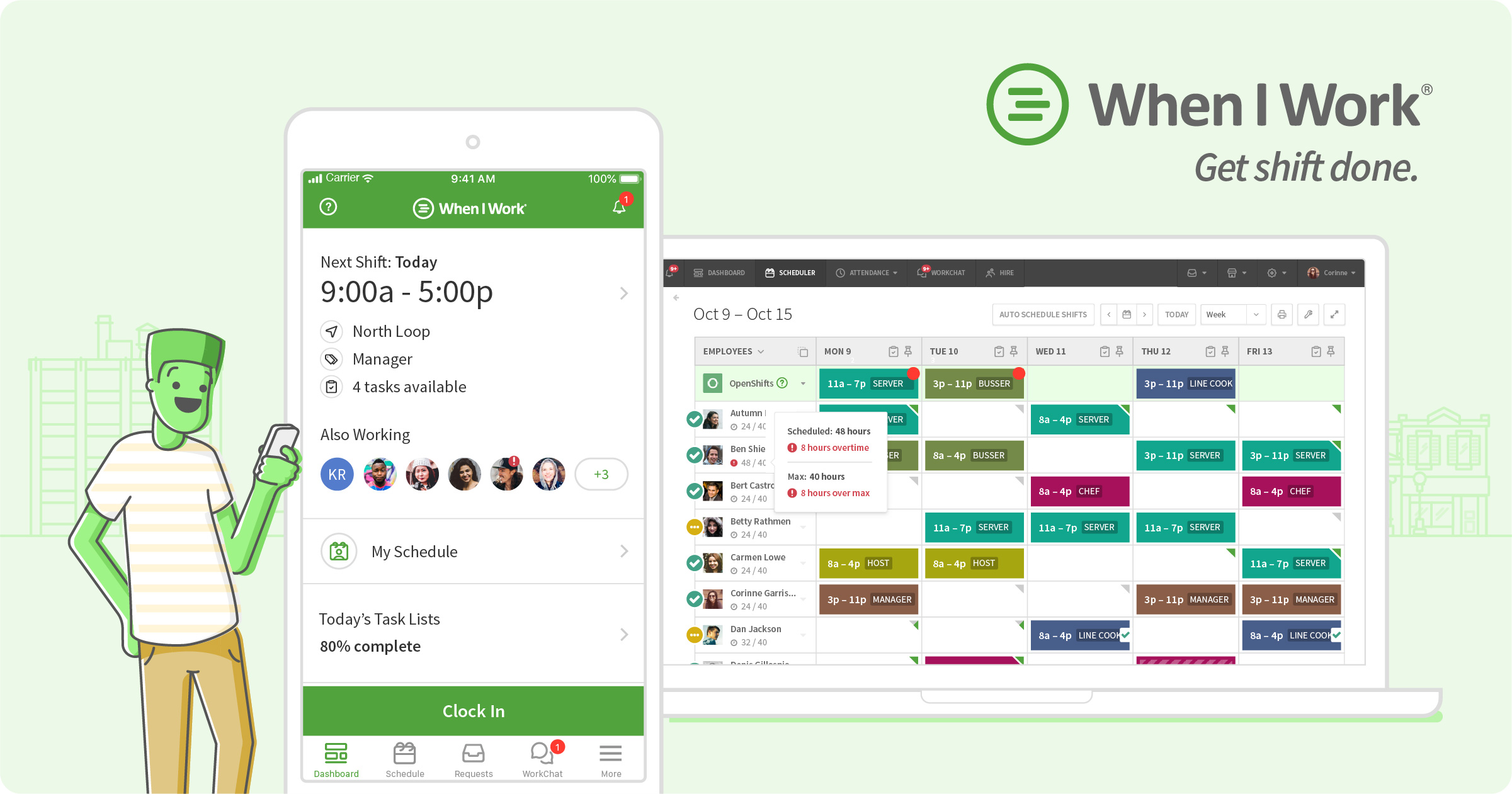
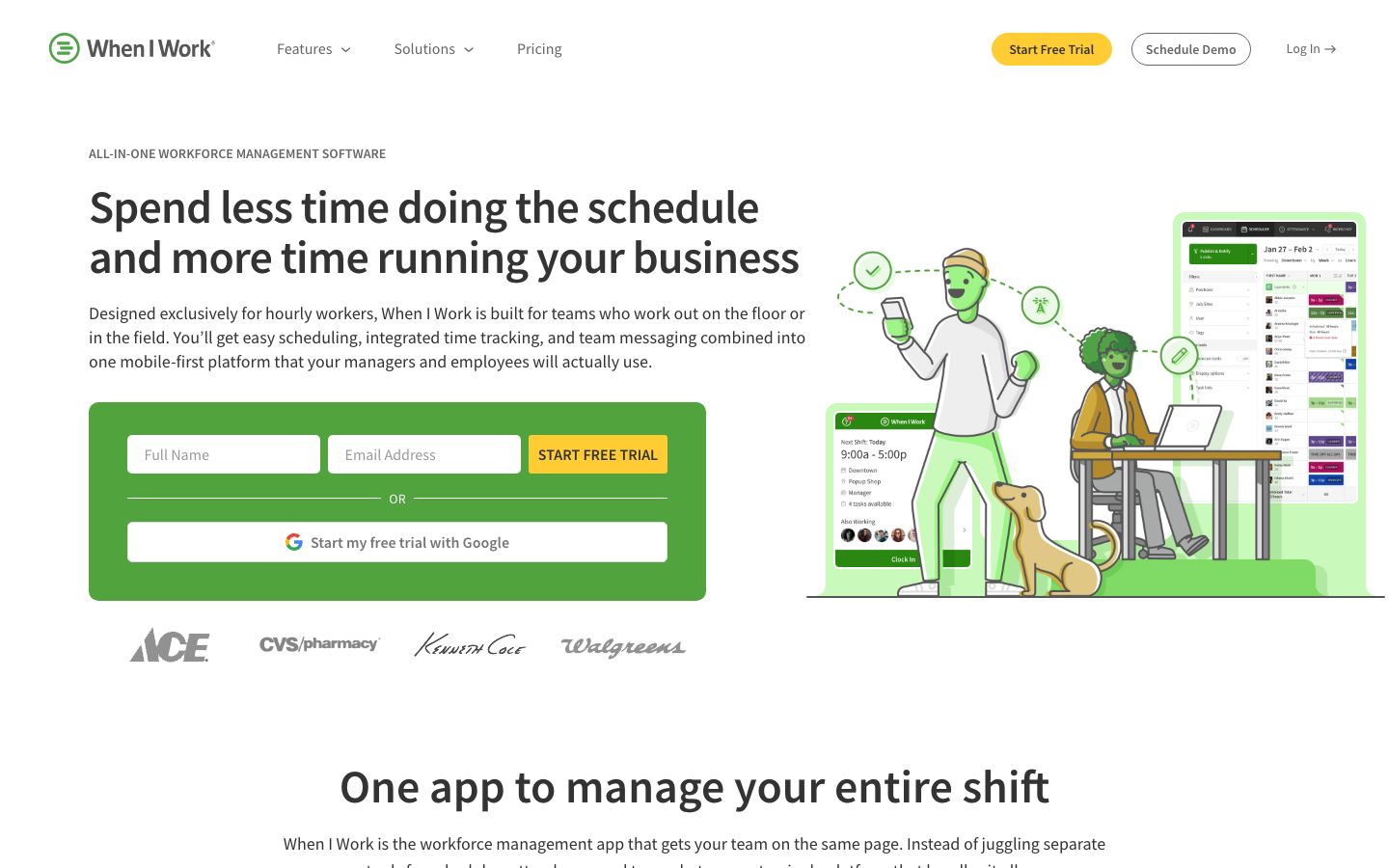
When I Work is cloud and mobile employee-scheduling, time-clock, and team-messaging software for shift-based teams. A manager builds the roster in the web app or on their phone, publishes it, and every server, line cook, and bartender gets the schedule pushed to the mobile app — no printed sheet taped to the walk-in. Staff clock in on any device through GPS or geofencing, swap shifts and pick up OpenShifts themselves, and message the team without anyone sharing a personal phone number.
The company lists Restaurants, Cafés, Bars, and Coffee Shops among its served industries and self-reports more than 200,000 workplaces and over a million users across 50-plus countries. It serves single-location independents through multi-unit franchises that want the labor side — who works when, and did they actually clock in — handled in one place without a contract.
Features #
Employee scheduling #
The core module builds a weekly schedule in minutes from shift templates, copied shifts, and color-coded positions. Auto Scheduling fills the roster, multi-week and multi-location scheduling lets a manager run several sites or future weeks at once, and a time-zone toggle keeps a multi-state group straight. The published schedule lands on each employee's phone, and changes push instantly.
Coverage and labor forecasting #
When I Work calculates staff coverage against a sales and labor budget so a manager isn't guessing how many servers Friday needs. Forecast tools ship on the entry plan; Custom Unit Forecasting arrives on Pro for operators who schedule to their own demand metric.
Time clock and attendance #
The Time & Attendance module turns any device into a time clock — staff clock in via GPS or geofencing on an off-the-shelf phone or tablet, and attendance, breaks, and time-off tracking flow straight into the labor reports. Attendance data reconciles against the schedule so a manager sees scheduled-versus-actual hours instead of chasing paper time cards. This module is a paid add-on toggled on top of any plan.
Team messaging and shift swaps #
In-app messaging reaches the whole team or one person without exposing phone numbers, and staff handle their own OpenShifts and shift swaps — the manager approves rather than rebuilds. Pro adds scheduling rules, role permissions, labor sharing across locations, and callout reporting.
Integrations and reporting #
When I Work is processor-agnostic and syncs worked hours out to payroll and connects to the POS for sales-driven scheduling. It syncs hours to Gusto, QuickBooks Online, Paychex, Square Payroll, and OnPay, markets Rippling as its preferred payroll partner (six months free for When I Work customers), and pushes data to other tools through Zapier or — on the top plan — its own API, webhooks, and SAML/SSO. Custom reporting lands on Pro.
Pricing #
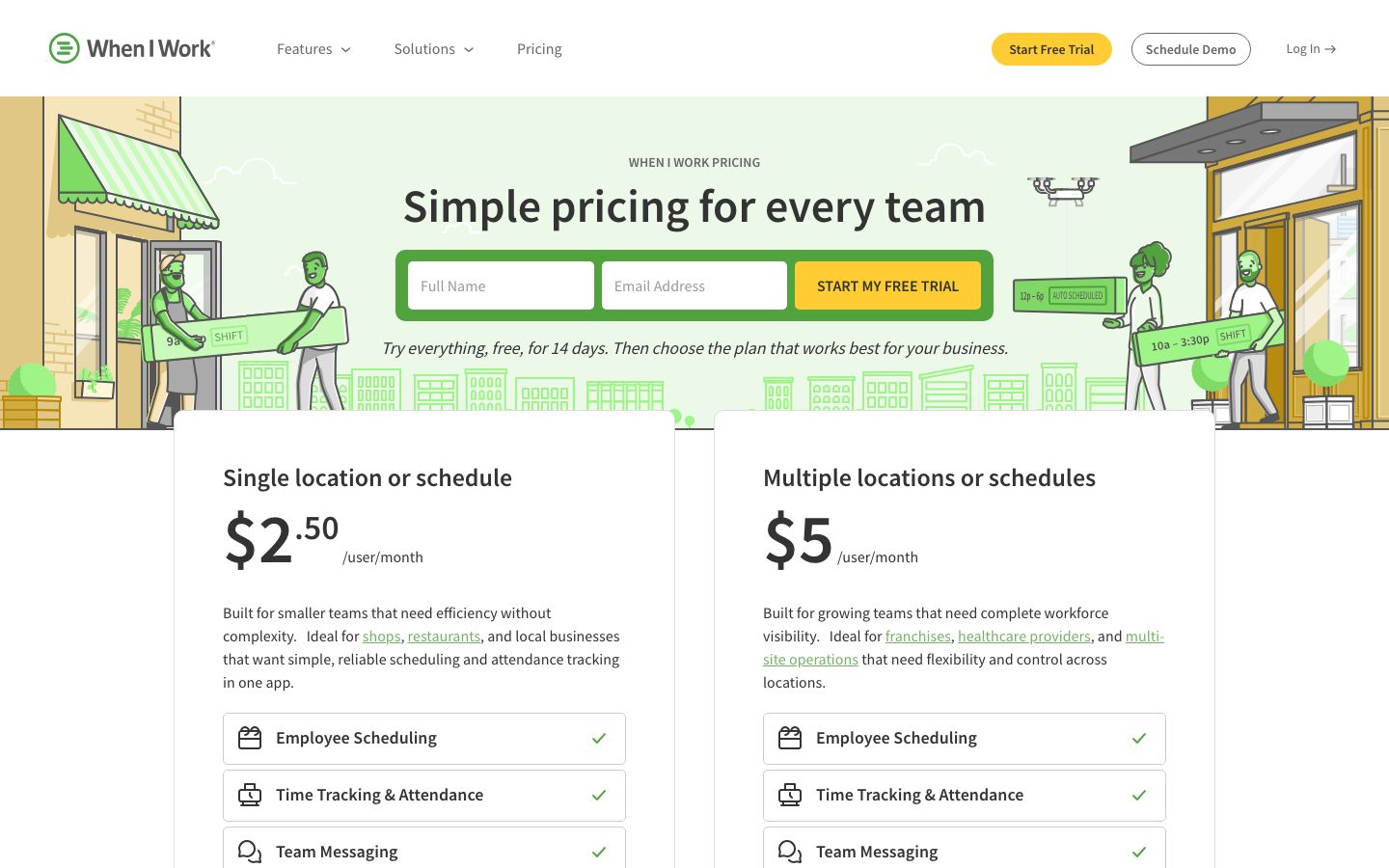
Published per user, per month on the pricing page. The base per-user prices below cover scheduling plus team messaging; Time & Attendance is a paid add-on toggled onto any plan, so a team that needs the time clock pays more than the headline. Billing is monthly or annual, no contract, cancel anytime, by Visa, Mastercard, or American Express.
| Plan | Price | What you get |
|---|---|---|
| Essentials | $2.50 / user / month | Single-location teams: unlimited users, Auto Scheduling, multi-week and multi-location scheduling, templates, forecast tools, in-app messaging, OpenShifts and shift swapping, payroll and POS integrations, Help Center and live chat |
| Pro | $5 / user / month | Everything in Essentials plus advanced scheduling, scheduling rules, role permissions, labor sharing, custom unit forecasting, callout reporting, custom reporting, time-zone toggle |
| Premium | $8 / user / month | Everything in Pro plus API key access, webhooks, and SAML/SSO |
| Enterprise | Custom pricing | Quote-only plan for larger groups with tailored data and compliance needs — no public price |
There is no card-processing rate to weigh here: When I Work is scheduling software, not a POS, so it takes no percentage of sales and requires no proprietary hardware. The 14-day free trial is full-access with no credit card required. The one gap worth knowing going in: the Time & Attendance add-on is priced as a per-plan toggle rather than a listed dollar figure, so budget the time clock as an extra line on top of the per-user rate.
Who It's For (and Who It Isn't) #
Good fit: quick-service and full-service restaurants, cafés, bars, and coffee shops that want scheduling, a time clock, and team messaging in one low-per-seat tool — single-location independents on Essentials, and multi-unit or franchise groups that need labor sharing, role permissions, and multi-location scheduling on Pro. Because it's processor-agnostic and month-to-month, it slots cleanly next to whatever POS already runs the floor.
Weaker fit: an operator who wants one vendor for ordering, menu, payments, and labor — When I Work does none of the POS, online-ordering, or payment-processing side, so an all-in-one shop should look at a restaurant POS instead. Very large or heavily scheduled kitchens may also find a restaurant-native scheduler closer to their workflow than a general shift tool.
Is It Legit and Worth It? #
When I Work is a long-running, privately held workforce-management vendor with one of the larger scheduling-tool install bases, and it earns strong third-party marks — Capterra 4.5 from roughly 1,300 reviews and G2 4.4 from about 405. The dominant praise is the thing you buy it for: scheduling that's fast to build and easy for staff to use, with solid reporting and value on a per-seat basis.
The honest cons, from operator reviews: the mobile app draws recurring quirks — a complaint common across scheduling tools, and notable here since the app is how staff actually live in the product. Customization has limits, there's a real learning curve to the advanced scheduling controls, and the per-seat price adds up as a team grows — especially once the Time & Attendance add-on toggles on over the base rate. Some operators report occasional bugs. None of these are dealbreakers for a restaurant that mainly needs a fast schedule and a reliable clock-in, but a heavily customized or very large operation should pressure-test the app and the advanced rules during the free trial.
Alternatives #
- 7shifts — restaurant-native scheduling built around labor-cost control and tip pooling, closer to a kitchen's workflow than a general shift tool.
- HotSchedules — the entrenched enterprise scheduler for large multi-unit operators, though its paid staff app is a frequent gripe.
- Sling — Toast-owned scheduling with a genuinely free tier, a fit for a single location watching every dollar.
- Deputy — general workforce scheduling and time tracking with strong compliance tooling for mixed-industry operators.
- Compare the field in our restaurant scheduling software guide.
Login & Support #
Managers and staff sign in through the "Log In" link at wheniwork.com or the native iOS and Android apps. Support runs through the Help Center, ticket submission, a Training Center, customer webinars, a system status page, and API documentation; Essentials includes Help Center access and live chat.
Estimate your When I Work cost
Uses published $2.50/user/mo starting rate. Updates as you type.
Estimator uses vendor-published list rates as anchor. Actual quotes vary by add-ons (member reporting, class scheduling, payment data feeds, active members tier) — request a written quote before signing.
Book a When I Work demo
Vendor-facilitated. We forward your request to their sales team within 24 hours.
- Choose a preferred date + time slot
- 30-minute product walkthrough
- Custom pricing based on your seat count
Screenshots
Pros
- Builds a weekly schedule in minutes and pushes it to every employee's phone instantly
- Low per-user entry price and no contract — month-to-month, cancel anytime
- Processor-agnostic: slots next to any existing POS and syncs hours to Gusto, QuickBooks, Paychex, and Square Payroll
- Staff self-serve shift swaps and OpenShifts; managers approve instead of rebuild
- Time clock runs on any device via GPS or geofencing — no proprietary hardware
- Strong third-party marks (Capterra 4.5) with scheduling and ease of use the dominant praise
Cons
- Mobile app draws recurring quirks — and the app is how staff live in the product
- Time & Attendance is a paid add-on toggled on top of the per-user base price
- Per-seat cost adds up as the team grows
- Customization has limits for operators with unusual scheduling needs
- Real learning curve on the advanced scheduling rules and controls
- Some operators report occasional bugs
Frequently Asked Questions
Similar Restaurant Employee Scheduling Software Tools
User Reviews
Write a reviewNo reviews yet for When I Work.
Be the first to review