
For this guide we tested and reviewed the platforms hands-on wherever a trial or demo was available, and verified each price against the vendor's own pricing page before publishing.
Deputy is a cloud staff-scheduling and time-and-attendance platform for restaurants that want to control labor cost separately from the POS — it rosters the team, records worked hours, and pushes those hours to payroll, but it is not a POS and does nothing for orders, the kitchen, or inventory. If you run a café, bar, or multi-unit group and want transparent per-user pricing with no proprietary hardware, it's one of the strongest picks alongside 7shifts and When I Work. If you expected an all-in-one that also takes orders and prints kitchen tickets, this is the wrong tool.
Deputy is a standalone workforce-management product — not owned by any POS vendor — so it schedules your team and feeds payroll while your Toast, Square, or Clover terminal keeps running the floor.
What Is Deputy #
Deputy is employee-scheduling and time-tracking software delivered as cloud plus mobile apps. It is a horizontal workforce tool — its own site lists restaurants, cafés, bars and pubs, hospitality, hotels, retail, healthcare, and more as target industries — so in a restaurant stack it sits beside the POS, not in place of it. It competes with 7shifts, HotSchedules, Sling, and When I Work, not with Toast, Square, or Clover.
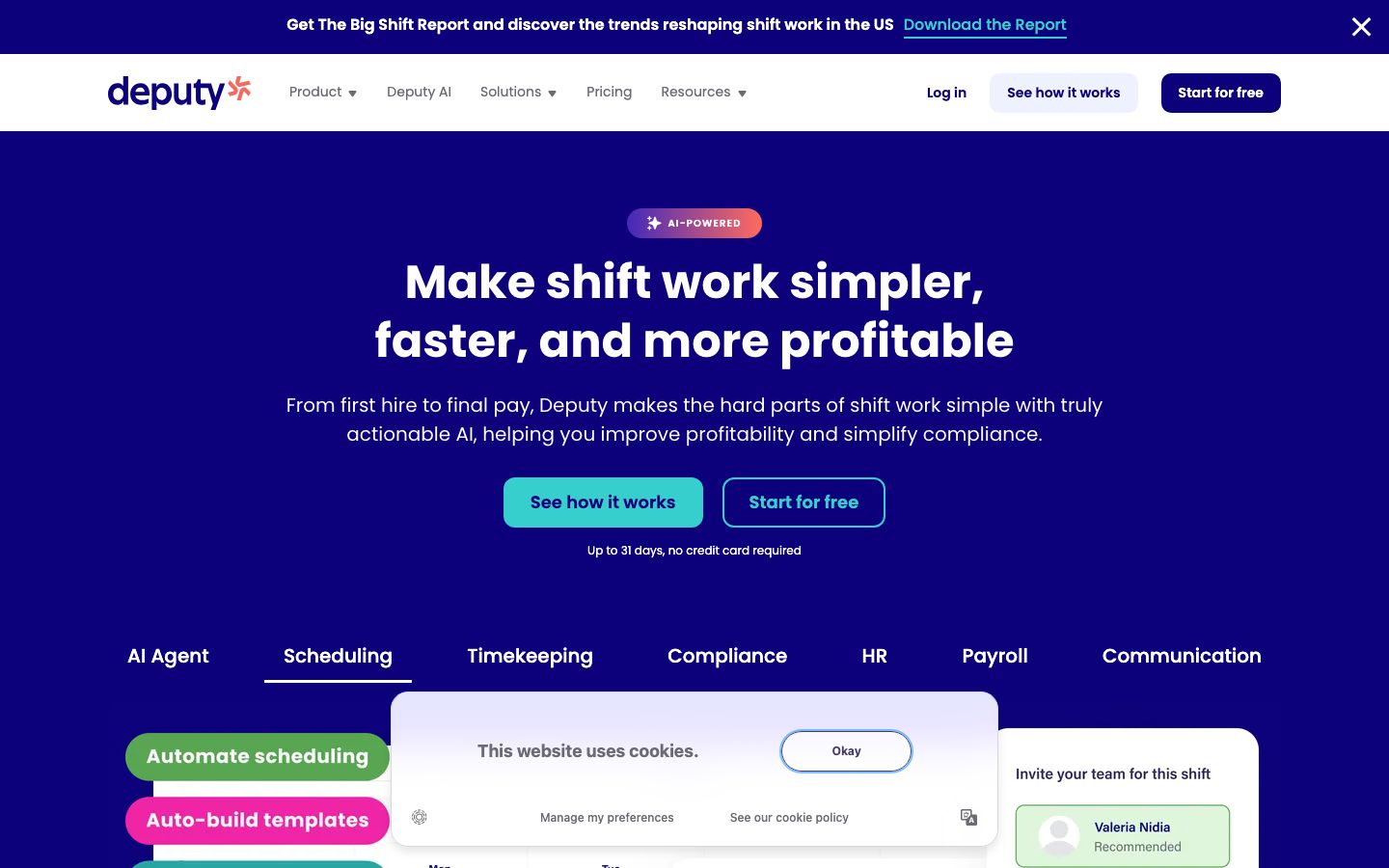
The job it does is narrow and specific: a manager builds the week's roster by role and location, publishes it to staff, staff pick up and swap shifts from their phones, everyone clocks in on a shared tablet or their own device, and the approved hours flow out to payroll. Buyers are owners, GMs, and multi-unit operators who want labor cost under control across front of house and back of house without buying another POS module.
Features #
Scheduling and rostering #
Managers build schedules by role and location and publish shifts to the whole team at once. Staff pick up, swap, or drop shifts from the mobile app, which cuts the text-message scramble when someone calls out. Higher tiers add demand-based and auto-scheduling plus labor-cost forecasting once sales data is connected from the POS — so a manager can roster against projected covers rather than guesswork.
Time and attendance #
Staff clock in and out on a shared tablet kiosk (Deputy Kiosk on iPad or Android) or on their own phones, and the platform writes worked hours straight into timesheets for a manager to approve. There is no proprietary time clock to buy — it runs on devices you already own, which keeps the hardware line on the quote at zero.
Timesheets to payroll #
Approved timesheets convert to payroll-ready data and export to connected payroll providers, so a manager approves hours once instead of rekeying them. Deputy also sells its own Deputy Payroll (enabled by Paycor) as a paid add-on in supported regions for operators who want the whole chain inside one tool.
Communication and tasking #
In-app messaging, announcements, and task assignment let a GM push a prep list or a policy note to a shift without a group chat, with a paid Messaging+ add-on for teams that lean on it heavily.
Reporting and analytics #
Labor reporting and wage-cost visibility are included, with a paid Analytics+ add-on for deeper cuts. Reporting is one of the more-praised parts of the product, though the depth operators want sometimes sits behind that add-on.
Pricing #
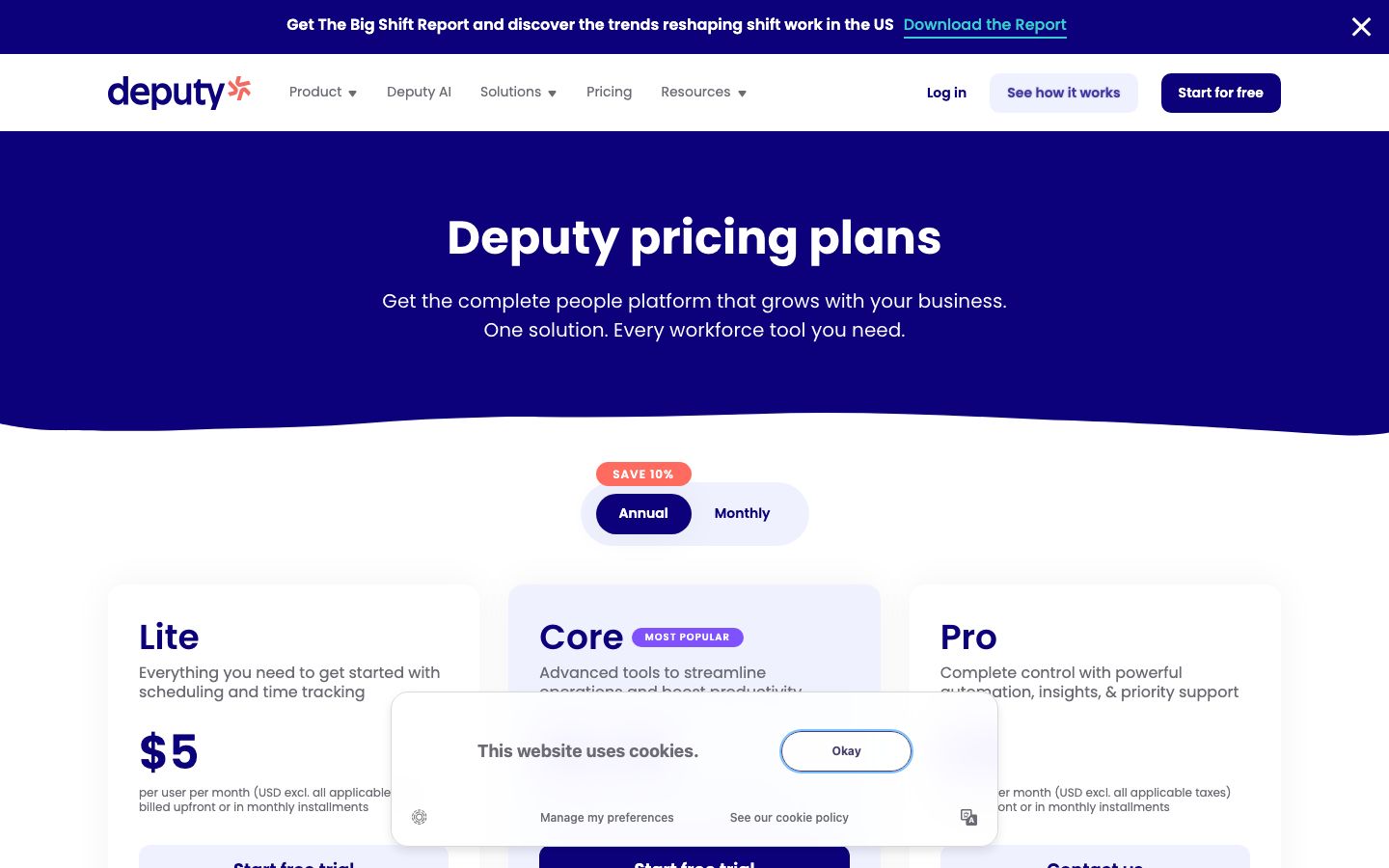
Deputy publishes transparent per-user pricing in USD (excluding applicable taxes), and bills monthly or annually, with roughly 10% off on annual billing. There is a 31-day free trial with no credit card required.
| Plan | Price (USD) | What you get |
|---|---|---|
| Lite | $5 / user / month | Everything to get started with scheduling and time tracking |
| Core (most popular) | $6.50 / user / month | Advanced tools to streamline operations and boost productivity |
| Pro | $9 / user / month | Full automation, insights, and priority support |
| Enterprise | Custom quote | Contact sales; no public price |
| Flexi (weekly) | Weekly billing | Short-term events like festivals and conferences |
Add-ons, per user per month unless noted: Deputy Payroll (enabled by Paycor) at $8 per user/month plus a $49 monthly base fee, HR at $2, Messaging+ at $1.95, Analytics+ at $1.50. One thing to price against up front: there is a $30 monthly minimum spend per invoice on the monthly Lite, Core, and Pro plans, so a six-person café still clears that floor before extras. On an annual plan you can add users but cannot drop the plan or lower your employee count mid-term, and cancelling early carries no refund — monthly billing is the escape hatch if your headcount swings with the season.
Because Deputy is not a POS or a payment facilitator, there is no card-processing rate and no hardware package. It makes money purely on per-user subscriptions and add-ons.
Who It's For (and Who It Isn't) #
Good fit: single-site and multi-unit restaurants, cafés, bars, and hospitality groups that want dedicated scheduling and time-and-attendance either on top of their POS or in place of a weaker built-in scheduler. It suits operators who value transparent per-user pricing, want month-to-month billing to ride seasonal swings, and run teams where staff self-serve shift swaps on their own phones.
Weaker fit: anyone shopping for an all-in-one restaurant POS, a kitchen display system, online ordering, or inventory — Deputy does none of those, and bolting it onto nothing won't take a single order. Very small teams should note the $30 monthly minimum, and the $49 base fee on Deputy Payroll makes the payroll add-on a poor deal for a tiny roster. Restaurant-native niceties like tip pooling or POS-sales-driven templates out of the box are deeper in purpose-built tools like 7shifts and HotSchedules.
Is It Legit and Worth It? #
Deputy is an established, heavily reviewed workforce-management platform with strong third-party marks — Capterra 4.6 from 773 reviews and G2 4.6 from 666, which is unusually consistent across both. Scheduling and ease of use are the dominant praised strengths, and value and reporting score well too.
The honest negatives from its own reviews are worth pricing in. Operators report occasional bugs and glitches, and the mobile app — the thing staff actually touch every shift — draws recurring friction, which matters for a product whose whole value is self-serve scheduling on a phone. Support responsiveness can lag, there's an initial learning curve setting up rules and pay rates, and some operators hit integration limits connecting Deputy to their specific POS or payroll. None of these are dealbreakers, but Deputy is not restaurant-specific the way 7shifts or HotSchedules are, so a kitchen leaning hard on tip pooling or sales-driven rostering may need the higher tiers or a connector to get there.
Alternatives #
- 7shifts — restaurant-only scheduling with tip pooling and POS-driven templates built in; the closest restaurant-native rival (prices in CAD).
- HotSchedules — enterprise-grade scheduling favored by larger and multi-unit operations, though its mobile app is paid.
- Sling — budget-friendly scheduling with a free tier, good for a single location watching every dollar (prices in CAD).
- Toast — if you'd rather get scheduling bundled inside an all-in-one POS instead of a separate tool.
- Compare the field in our restaurant scheduling software guide.
Login & Support #
Managers and staff sign in on the web at deputy.com (each account gets its own workplace subdomain) and through the Deputy mobile apps. Support scales with plan — the Pro plan includes priority support — backed by a self-serve help center and email or ticket support, with faster routes on higher tiers.
Estimate your Deputy cost
Uses published $5.00/user/mo starting rate. Updates as you type.
Estimator uses vendor-published list rates as anchor. Actual quotes vary by add-ons (member reporting, class scheduling, payment data feeds, active members tier) — request a written quote before signing.
Book a Deputy demo
Vendor-facilitated. We forward your request to their sales team within 24 hours.
- Choose a preferred date + time slot
- 30-minute product walkthrough
- Custom pricing based on your seat count
Screenshots
Pros
- Transparent published per-user pricing — $5/$6.50/$9 per user/mo, no quote needed for the main tiers
- Scheduling and ease of use are the dominant praise across reviews
- No proprietary hardware — staff clock in on a shared tablet kiosk or their own phones
- 31-day free trial with no credit card, plus month-to-month billing for seasonal swings
- Staff self-serve shift swaps, pickups, and drops from the mobile app
- Connects out to Square, Clover, Lightspeed POS and QuickBooks, Xero, Gusto, ADP for payroll
Cons
- Not a POS — does nothing for orders, kitchen display, online ordering, or inventory
- Mobile app draws recurring friction, which stings for a phone-first scheduling tool
- Occasional bugs and glitches reported by operators
- Support responsiveness can lag, and there is an initial setup learning curve
- Some integration limits connecting to specific POS or payroll systems
- $30 monthly minimum spend, and the $49 base fee makes Deputy Payroll weak for tiny rosters
Frequently Asked Questions
Similar Restaurant Employee Scheduling Software Tools
User Reviews
Write a reviewNo reviews yet for Deputy.
Be the first to review