
For this guide we tested and reviewed the platforms hands-on wherever a trial or demo was available, and verified each price against the vendor's own pricing page before publishing.
Restaurant365 (R365) is the leading all-in-one back-office system for multi-location restaurant groups, franchisees, and growth-minded independents that have outgrown spreadsheets — it unifies restaurant-specific accounting, inventory and purchasing, scheduling, and payroll in one cloud platform that sits on top of your existing POS. It is not a point-of-sale: it reads sales from your POS and pushes clean books, food-cost, and labor numbers back out. The catch is that it's sold by custom quote, it's heavier to learn and slower to implement than a single-purpose app, and a one-location café with simple needs will find it more system than it wants.
R365 is restaurant management software, not a terminal — it complements the POS that takes orders on the floor rather than replacing it.
What Is Restaurant365 #
Restaurant365 is a cloud-based restaurant management platform that pulls four back-office jobs into one general ledger: accounting, inventory and purchasing, workforce management, and payroll and HR. Instead of running QuickBooks for the books, a counting app for inventory, a separate scheduler, and a standalone payroll vendor, an operator runs them from one login where daily sales flow in from the POS and reconcile against the bank.
The company is privately held, headquartered in Irvine, California, with additional offices in Austin, Akron, Mexico City, Kraków, and Nablus. R365 states more than 50,000 restaurants run on the platform, spanning large QSR operators such as Jack in the Box, independents such as Commander's Palace, and franchise groups.
What it replaces is a stack of disconnected tools: a generic accounting package that doesn't understand restaurant revenue, a spreadsheet for counting inventory, a standalone scheduler, and a payroll vendor that never sees the labor numbers. R365's argument is that those four jobs share the same data — sales, invoices, hours, cost — and that running them in one restaurant-specific ledger is what turns a pile of exports into a number a manager can act on the next morning.
Who it's for: multi-location groups, franchise brands, QSR, fast casual, casual and fine dining, coffee shops, and pizza concepts — plus accounting firms that serve restaurants. The through-line is an operator who needs cross-location numbers in one place and has enough complexity that disconnected tools have become the bottleneck.
Features #
Accounting #
The core is a restaurant-specific general ledger and chart of accounts built for how restaurants actually book revenue. Daily sales import from the POS and reconcile against bank feeds, accounts-payable automation keeps vendor invoices from stacking up, and financials report in real time across locations, brands, and concepts. Additional modules cover AP automation, banking, budgeting and forecasting, fixed-asset management, and bookkeeping. R365 markets a roughly 50% reduction in accounting work — a vendor-stated outcome, not an independently measured one.
In practice the accounts-payable flow is where operators feel it first: a supplier invoice enters the system, gets coded to the right account and location, routes for approval, and lands in both the ledger and food-cost at once — instead of being keyed into accounting one day and a cost spreadsheet another. The bookkeeper works the same ledger the manager reports from, so the month-end close isn't a reconstruction from exports.
Daily sales reconciliation #
End-of-night is where a restaurant's numbers either tie out or drift. R365 imports each day's POS sales, matches deposits against bank feeds, and flags the gaps, so a controller for a multi-unit group isn't chasing five locations' Z-reports by email. The same daily sales feed drives the financial reports, which means the dashboard a district manager opens is built on the books, not a separate sales export that quietly disagrees with them.
Inventory & Purchasing #
The accountant sees the books; the chef sees food cost. Inventory and purchasing track real-time food cost, recipe and plate costing, waste and transfers, and prep built against forecasted demand, with price alerts when a supplier's cost spikes. Purchasing and receiving pull vendor and supplier catalogs in so an invoice becomes a cost line rather than a paper pile. Modules include inventory, recipes, prep, purchasing and receiving, cash management, commissary, and AI-driven dashboards. The vendor cites up to 5% food-cost reduction.
The payoff for a multi-location operator is seeing food cost by item across every location on one screen: a chef can catch that a supplier quietly raised the price of a core ingredient, see which locations are over on waste, and cost a new recipe before it hits the menu. For groups running a central kitchen, the commissary module handles the transfers between the prep facility and the storefronts so those movements show up as cost where they belong rather than vanishing between ledgers.
Workforce Management #
Managers build schedules with drag-and-drop against sales forecasts, so labor is planned to projected covers rather than guessed. Built-in labor rules, mobile shift swaps, time-off requests, and task management keep the floor staffed, and a logbook and chat carry shift notes between managers. Modules span scheduling, sales forecasting, employee training, time and attendance, task management, and tip automation. R365 cites labor-cost reductions of as much as 5%.
Payroll & HR #
R365 runs payroll in-house as an alternative to a separate payroll vendor: time and labor data flow straight from scheduling into pay, with automated tax filing, tip pooling and wage calculations, hiring and onboarding, and benefits administration. Because the hours are already in the system, payroll draws on the same labor data managers scheduled against rather than a re-keyed export.
Reporting #
Custom cross-location, cross-brand, and cross-concept reporting is R365's most-praised strength — the reason multi-unit operators adopt it. One note worth pricing in: the deepest, most advanced reporting has been associated with a paid add-on (Renovo) rather than the base package, which is a recurring theme in reviews (see cons).
Mobile & AI #
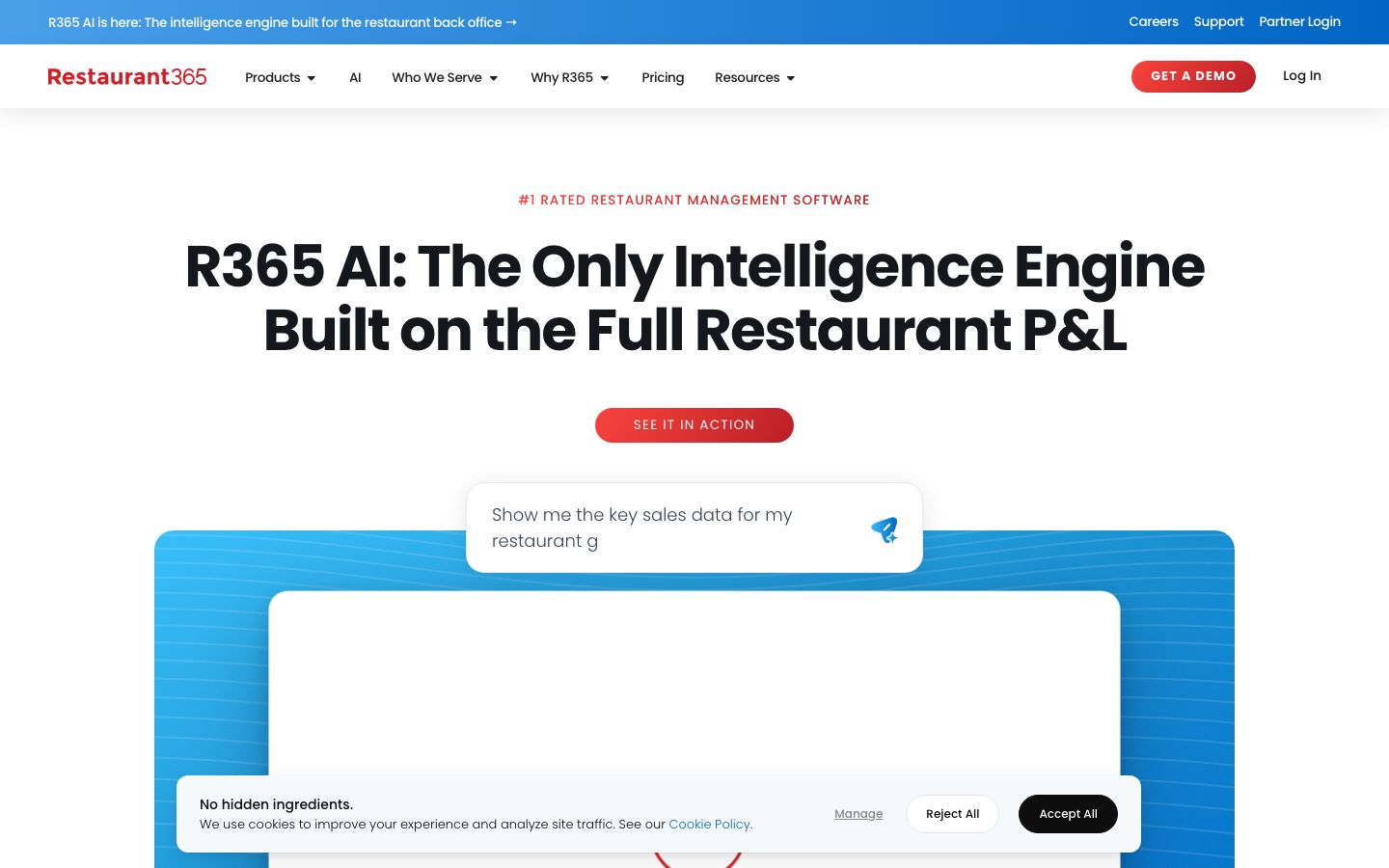
An included phone app gives managers and owners real-time insight and approvals away from the office — the back office in a pocket. The company has launched R365 AI, an intelligence layer for the back office, with AI dashboards surfacing in the inventory module.
Pricing #
Sold by custom quote — there is no public price. The pricing page shows no tiers or dollar figures; the call to action is "Get a Custom Quote." R365 is modular — accounting, inventory and purchasing, workforce management, and payroll and HR can be selected à la carte — so the quote tracks which modules you take and how many locations you run.
| Item | What's published |
|---|---|
| Price | Quote-only; no public tier pricing |
| Model | Modular — accounting / inventory & purchasing / workforce / payroll selectable |
| Payment processing | None — R365 is back-office, not a merchant processor; it takes no card-processing cut |
| Hardware | None — cloud SaaS plus the included phone app; runs in a browser and on phones |
Two things set R365 apart from a POS on cost. It does not process guest payments, so there's no processing rate or flat per-swipe fee layered on top — it reads sales from your POS rather than clearing them. And there's no proprietary hardware: it runs in a browser and on phones, so the cost is the software subscription, not terminals. Enterprise back-office SaaS of this type is typically an annual subscription, and the module-and-location mix drives the number.
Who It's For (and Who It Isn't) #
Good fit: multi-location groups, franchisees, and growing independents that need accounting, food cost, labor, and payroll unified on top of an existing POS — especially operators drowning in manual invoicing, spreadsheet counts, and systems that don't talk to each other. If you want one restaurant-native ledger and cross-location reporting instead of a stack of single-purpose tools, this is the segment R365 is built for. It's a particularly natural fit once a group crosses the point where a bookkeeper is stitching together exports from three or four systems to answer a simple question like "what did labor run against sales last week, by location" — that's the manual work R365 is built to absorb. Accounting firms that serve several restaurant clients use it for the same reason: one restaurant-aware ledger instead of a generic package bent to fit.
Weaker fit: a single small café, a food truck, or a one-location bar that just needs a till and a basic sales report. R365 is a back office, not a POS, and its breadth, learning curve, and quote-based cost are more than a simple operation will use. Small single-location buyers specifically name price as the barrier, and reviewers consistently flag it as heavier to learn and slower to implement than a lightweight inventory or scheduling app.
Is It Legit and Worth It? #
R365 is an established, well-funded operation with a global multi-office footprint and a large installed base — the vendor cites 50,000+ restaurants and names national brands as customers. Operators praise it for reporting and analytics depth, for consolidating accounting, inventory, scheduling, and payroll into one system, and for genuine food-cost and labor control. On third-party review sites it holds a Capterra 4.1 from 72 reviews and a G2 4.6 from 324 — solid marks across a meaningful sample, and the two sites line up on the same picture: a capable, broad platform that rewards operators who commit to learning it.
The recurring complaints are worth pricing in before you sign. The learning curve is steep — it's powerful but not quick to master — and setup and migration are a project rather than a same-day switch. The fullest reporting sits behind the paid Renovo add-on rather than the base package, so budget for it if deep reporting is the reason you're buying. Some reviewers describe features that feel unfinished or still in development, and payroll draws edge-case gripes around scenarios like credit-card tip payouts. For a small operator, the price alone is often the dealbreaker. None of these sink R365 for its target multi-unit buyer, but the implementation effort and the add-on reporting cost are real line items, not afterthoughts.
Alternatives #
- MarginEdge — invoice-to-food-cost and bill-pay automation that's lighter and faster to adopt than full R365; focused on inventory and AP rather than a full accounting ledger.
- MarketMan — inventory and purchasing control for operators who want cost and vendor management without an all-in-one accounting suite.
- 7shifts — best-of-breed scheduling and labor if workforce management is all you need, not accounting.
- Toast — all-in-one POS with some back-office and payroll modules; many R365 customers run R365 on top of a POS like Toast rather than instead of it.
See the restaurant accounting software guide for how back-office platforms compare.
Login & Support #
Operators log in at the Restaurant365 web app through the "Log In" link on restaurant365.com, and the included phone app handles on-the-go insight and approvals. Support runs through the R365 Support Center, which the company highlights as a top-rated team with a majority one-day resolution rate. Sales reach through [email protected] or (949) 652-7800.
Book a Restaurant365 demo
Vendor-facilitated. We forward your request to their sales team within 24 hours.
- Choose a preferred date + time slot
- 30-minute product walkthrough
- Custom pricing based on your seat count
Screenshots
Pros
- Unifies accounting, inventory, scheduling, and payroll in one restaurant-native general ledger
- Cross-location, cross-brand, cross-concept reporting is the most-praised strength for multi-unit operators
- Real food-cost and labor control: recipe costing, price alerts, and scheduling against sales forecasts
- No proprietary hardware and no card-processing cut — it reads sales from your existing POS
- In-house payroll draws on the same labor data managers already scheduled against
- Established platform with 50,000+ restaurants and solid third-party marks (Capterra 4.1, G2 4.6)
Cons
- Steep learning curve — powerful but not quick for staff or managers to master
- Long, time-consuming setup and migration; implementation is a project, not a same-day switch
- The fullest reporting sits behind the paid Renovo add-on rather than the base package
- Some features feel unfinished or still in development, per reviewers
- Price is a real barrier for single-location and independent operators
- Payroll edge cases draw complaints, such as credit-card tip payouts
Frequently Asked Questions
User Reviews
Write a reviewNo reviews yet for Restaurant365.
Be the first to review