The best HotSchedules alternatives in 2026: 7shifts, Sling, Deputy, When I Work. Pricing, AI, compliance compared.
Best HotSchedules Alternatives 2026
If HotSchedules isn't the right fit, the closest restaurant employee scheduling software options are 7shifts and Sling. We ranked them by how directly they overlap with HotSchedules on category, restaurant-size fit and pricing model, then flagged the one thing each does differently. HotSchedules gates its pricing behind a sales call, so the switch decision usually comes down to price transparency and which kind of restaurant a tool is actually built for.
For this guide we tested and reviewed the platforms hands-on wherever a trial or demo was available, and verified each price against the vendor's own pricing page before publishing.
Why buyers look past HotSchedules #
These are the specific limitations we logged against HotSchedules in our review — the reasons a shortlist gets built in the first place. Each alternative below is here because it answers at least one of them.
-
▸ The employee app is the top complaint — reviewers call it clunky with login and access friction
-
▸ Historically a paid app download rather than free, a sore point versus competitors
-
▸ Price and higher tiers draw complaints as a group grows and adds modules
-
▸ Quote-only pricing — no public rate to compare before booking a demo
-
▸ Learning curve: takes time to set up and learn, hardest on smaller teams
-
▸ Support responsiveness is a recurring gripe after the sale
Top 4 HotSchedules alternatives, ranked #

7shifts
#1Fits food trucks & pop-ups through enterprise & chains. Best-in-class scheduling: drag-and-drop, reusable templates, and schedules built against sales and labor targets.

Sling
#2Fits food trucks & pop-ups through enterprise & chains. Genuinely free tier for up to 30 users — rare among restaurant scheduling tools.

Deputy
#3Fits single-location restaurants through enterprise & chains. Transparent published per-user pricing — $5/$6.50/$9 per user/mo, no quote needed for the main tiers.
When I Work
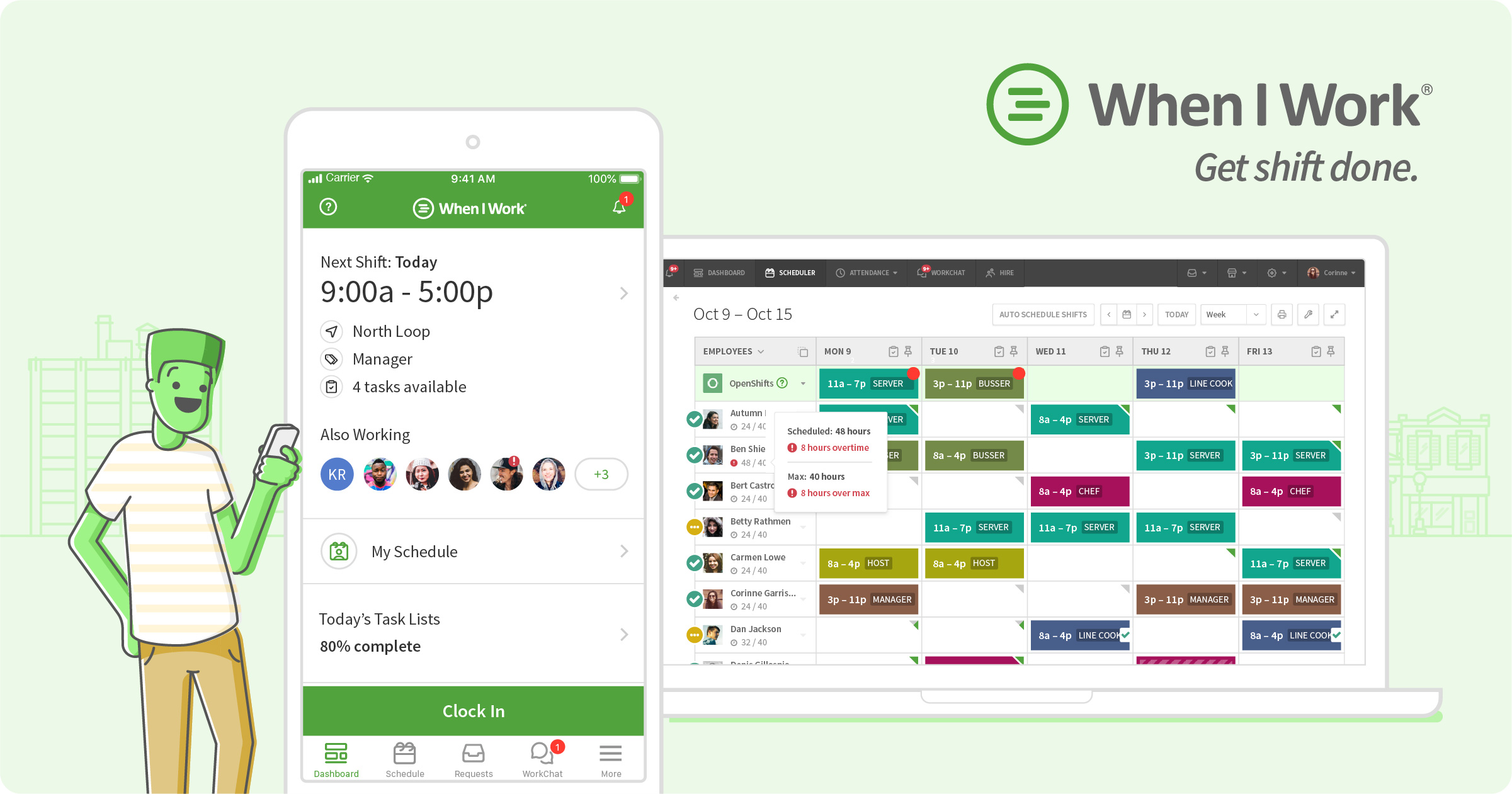
#4Fits single-location restaurants through enterprise & chains. Builds a weekly schedule in minutes and pushes it to every employee's phone instantly.
Alternatives at a glance #
| Alternative | Rating | Pricing model | Built for | Deployment |
|---|---|---|---|---|
| ★ 4.7 (1212) | Freemium, paid from $39.99/location/mo | Fits food trucks & pop-ups through enterprise & chains | Cloud + mobile agent app | |
| ★ 4.6 (212) | Freemium, paid from $2/user/mo | Fits food trucks & pop-ups through enterprise & chains | Cloud + mobile agent app | |
| ★ 4.6 (773) | Published pricing from $5/user/mo | Fits single-location restaurants through enterprise & chains | Cloud + mobile agent app | |
| ★ 4.5 (1300) | Published pricing from $2.5/user/mo | Fits single-location restaurants through enterprise & chains | Cloud + mobile agent app |
Verdict — which HotSchedules alternative fits when #
For enterprise buyers matching HotSchedules on scale and complexity: the top-ranked alternative above is usually the safest lateral move.
For mid-market buyers where HotSchedules feels over-scoped: the 3-5 rank picks often match feature depth at 60-70% of the price.
For single-location and small operators: the bottom-ranked operator-friendly alternatives (published pricing, no long-term contract, self-service setup with free data import and a named onboarding contact) let a one- or two-location restaurant run POS, ordering and reporting without an enterprise rollout.
Who uses restaurant software — and what each person does with it
Watches sales, food cost, labor and prime cost across shifts and locations on one dashboard — sees which menu items and dayparts actually make money.
Builds the schedule against forecasted sales, approves shift swaps, seats the floor and clears the waitlist, and pulls the daily close from the POS.
Fires orders from the POS or a handheld, splits and adjusts checks, takes payment tableside, and the kitchen sees the ticket instantly on the KDS.
Works tickets on the kitchen display with station routing and timers, marks items 86'd, and depletes inventory automatically as dishes sell.
The flow the software runs end to end: guest orders (dine-in, online or delivery) → ticket fires to the KDS → items depleted from inventory → payment captured at the POS → sales, food and labor cost post to reporting and accounting → schedule and purchasing adjust to the numbers. Each stage hands off to the next without re-keying.
Browse the full vendor directory
Filter by category, payment-processor support, compliance and rating to build your own shortlist.
Open vendor directory →Compare vendors side by side
See head-to-head breakdowns of pricing, payment integrations, reporting depth and planning features.
Open comparisons →Book a HotSchedules demo
Vendor-facilitated. We forward your request to their sales team within 24 hours.
- Choose a preferred date + time slot
- 30-minute product walkthrough
- Custom pricing based on your seat count