10 restaurant software vendors integrate with QuickBooks: 0 native, 7 certified, 3 marketplace. Depth-scored by our editorial team.
Restaurant Software That Integrates with QuickBooks
QuickBooks is the general ledger most independents and small groups keep their books in. Restaurant platforms connect to it so the day's numbers land in accounting without re-keying.
For this guide we tested and reviewed the platforms hands-on wherever a trial or demo was available, and verified each price against the vendor's own pricing page before publishing.
QuickBooks integration facts #
- Category
- Accounting / general ledger
- What it syncs
- Daily sales, payment batches, coded invoices, labor cost
- Sync direction
- Mostly one-way (restaurant → QuickBooks)
- Setup steps
- Authorize QuickBooks from the vendor's accounting settings, map GL accounts
- Auth
- OAuth (Intuit sign-in)
- Plan availability
- Often a higher-tier or back-office feature
- Data residency
- Cloud (Intuit-hosted)
- Limitations
- Desktop support narrower than Online; edits in QuickBooks rarely sync back
Overview #
The point of a QuickBooks connection is to stop someone typing yesterday's sales into accounting by hand. Daily sales, payment batches and — on the back-office side — coded supplier invoices post from the restaurant's systems straight into the QuickBooks chart of accounts.
The strongest story here is back-office. MarginEdge scans supplier invoices, codes each line to a GL category, then exports that coded data to QuickBooks; xtraCHEF does the same AP-automation job on the Toast side. POS and ordering vendors feed the other half: Epos Now syncs sales and finances to QuickBooks, Focus POS exports to it, and Rezku lists both QuickBooks Online and QuickBooks Desktop on its integrations page. Scheduling tools like 7shifts and Deputy push labor and timesheet data across for payroll runs.
Native integrations (0) #
Built-in, first-class. The platform ships with automated data sync and reconciliation, no marketplace install required.
No vendor in our directory ships a native QuickBooks integration. Check the certified list below.
Certified integrations (7) #
Vendor is in the QuickBooks partner certification program. Tested connector, formal support contract.

7shifts
Certified
Rezku
Certified
CAKE POS
Certified
Deputy
Certified
MarginEdge
Certified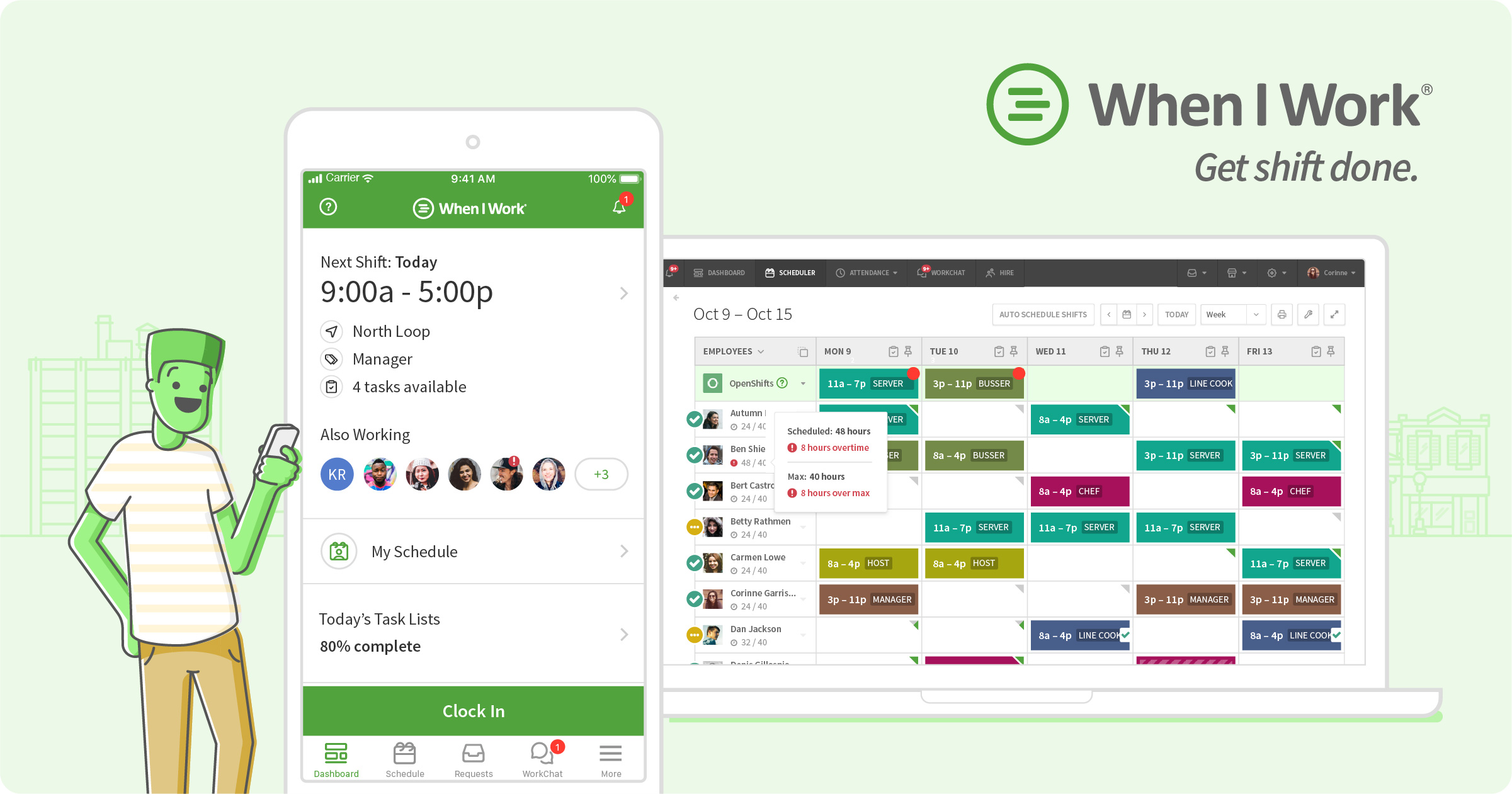
When I Work
Certified
Focus POS
CertifiedMarketplace integrations (3) #
Available as an app listing or webhooks-level connector. Functional, but depth varies — confirm which data syncs (sales, menu items, labor), sync direction and supported record types before signing.

Epos Now
Marketplace
talech
Marketplace
Revel Systems
MarketplaceHow QuickBooks integration works #
QuickBooks connects to restaurant platforms through one of three technical patterns: (1) native data feed built into the platform; (2) certified partner-marketplace connector installed by admins; or (3) webhook/API integration built via the vendor's REST API and file/data exchange.
The choice of pattern determines the depth of data sync, reconciliation and record mapping available. Native feeds ship in weeks; marketplace connectors deploy in days; API builds require engineering.
- Verify vendor integration depth (native / certified / marketplace)
- Install connector from the vendor's integration directory or marketplace
- Complete OAuth 2.0 handshake or API key exchange
- Map menu items, sales and staff records to the platform schema
- Configure reconciliation and sync frequency for each data feed
- Test the sync with 5-10 real transactions
- Roll out to production in a phased pilot
Top 4 use cases for QuickBooks + restaurant software #
- ✓ Post each day's sales and payment batches to QuickBooks so the books reconcile without manual entry
- ✓ Export coded supplier invoices from inventory/AP tools to the QuickBooks general ledger
- ✓ Sync approved timesheets and labor cost from scheduling into QuickBooks for payroll
- ✓ Map POS tenders and tips to the right GL accounts across multiple locations
Limitations to verify before signing #
Most connectors are one-way (restaurant → QuickBooks); edits made inside QuickBooks rarely flow back. QuickBooks Desktop support is narrower than QuickBooks Online — Rezku is one of the few that names Desktop. Focus POS offers an export rather than a live two-way sync, and talech documented QuickBooks support historically but its product pages are down during a rebrand, so treat that pairing as legacy.
Frequently asked questions #
From vendor research: 7shifts, CAKE POS, Deputy, Epos Now, Focus POS, MarginEdge, Rezku, Revel, When I Work and (historically) talech.
Usually no. Sales, invoices and labor post into QuickBooks; changes made inside QuickBooks typically do not sync back to the POS or back-office tool.
Online is the default across most connectors. Rezku names both Online and Desktop.
Book a QuickBooks demo
Vendor-facilitated. We forward your request to their sales team within 24 hours.
- Choose a preferred date + time slot
- 30-minute product walkthrough
- Custom pricing based on your seat count