9 restaurant software vendors integrate with Square for Restaurants: 0 native, 8 certified, 1 marketplace. Depth-scored by our editorial team.
Restaurant Software That Integrates with Square for Restaurants
Square is a popular POS and payments platform for small and growing restaurants. Scheduling, inventory and ordering tools connect to pull sales and employee data.
For this guide we tested and reviewed the platforms hands-on wherever a trial or demo was available, and verified each price against the vendor's own pricing page before publishing.
Square for Restaurants integration facts #
- Category
- Cloud POS / payments
- What it syncs
- Sales, employees, timecards, orders
- Sync direction
- Varies (sales/employees out; orders in)
- Setup steps
- Install the connector from the Square App Marketplace or the partner's settings
- Auth
- Square OAuth / app authorization
- Plan availability
- Open marketplace; some paid add-ons
- Data residency
- Cloud (Square-hosted)
- Limitations
- Depth varies by partner
Overview #
Square\'s open app ecosystem makes it an easy target for back-office tools. 7shifts, Deputy and MarketMan pull Square sales for labor and food-cost reporting; Sling syncs employees, positions and locations and sends timecards from Square into Sling; MarginEdge and ChowNow connect for invoices and online orders; and Resy syncs reservation and check data. When I Work connects Square Payroll for pay runs.
Native integrations (0) #
Built-in, first-class. The platform ships with automated data sync and reconciliation, no marketplace install required.
No vendor in our directory ships a native Square for Restaurants integration. Check the certified list below.
Certified integrations (8) #
Vendor is in the Square for Restaurants partner certification program. Tested connector, formal support contract.

7shifts
Certified
ChowNow
Certified
MarketMan
Certified
Deputy
Certified
MarginEdge
Certified
Sling
Certified
Resy
Certified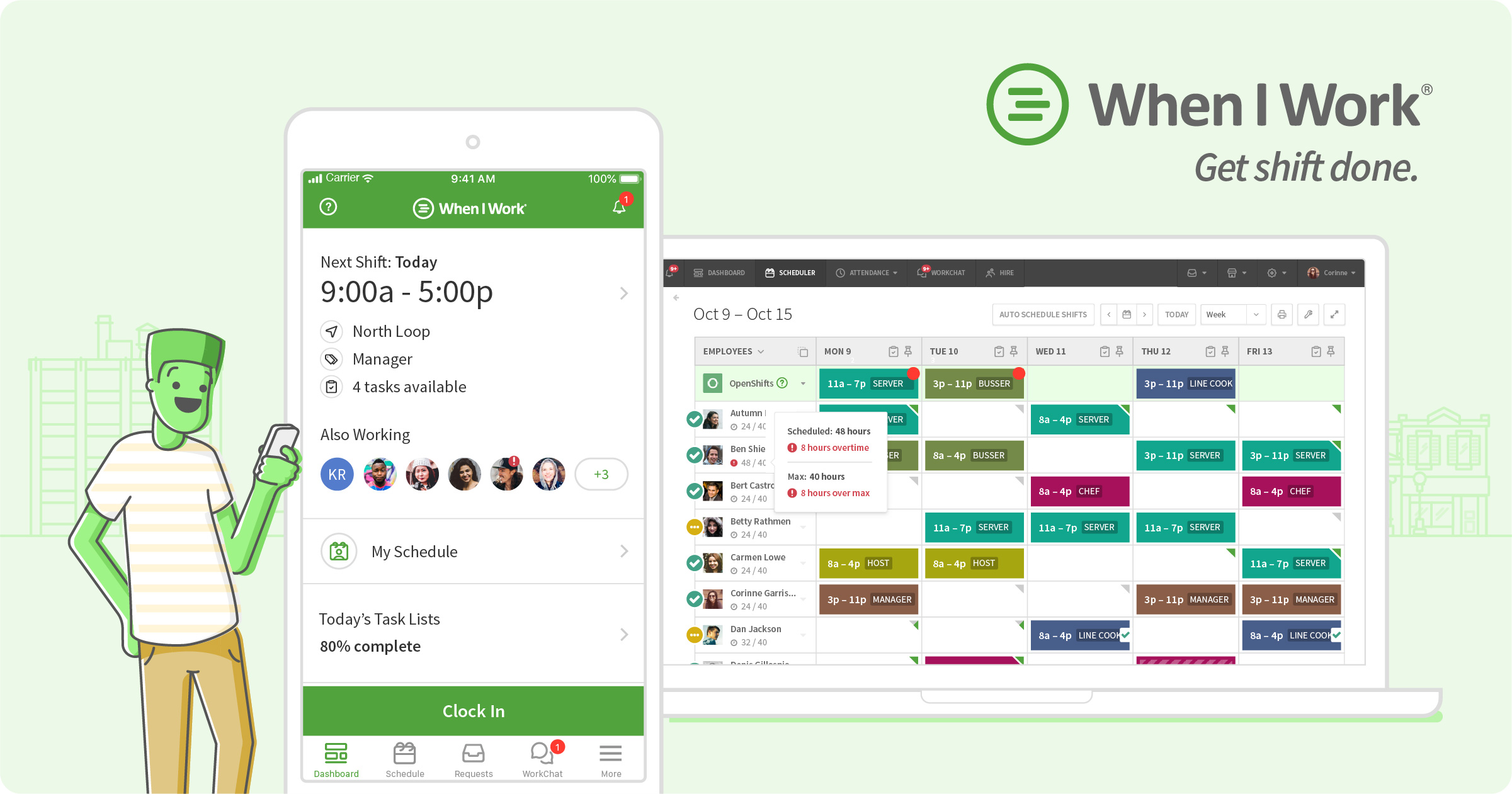
When I Work
CertifiedMarketplace integrations (1) #
Available as an app listing or webhooks-level connector. Functional, but depth varies — confirm which data syncs (sales, menu items, labor), sync direction and supported record types before signing.

Lavu
MarketplaceHow Square for Restaurants integration works #
Square for Restaurants connects to restaurant platforms through one of three technical patterns: (1) native data feed built into the platform; (2) certified partner-marketplace connector installed by admins; or (3) webhook/API integration built via the vendor's REST API and file/data exchange.
The choice of pattern determines the depth of data sync, reconciliation and record mapping available. Native feeds ship in weeks; marketplace connectors deploy in days; API builds require engineering.
- Verify vendor integration depth (native / certified / marketplace)
- Install connector from the vendor's integration directory or marketplace
- Complete OAuth 2.0 handshake or API key exchange
- Map menu items, sales and staff records to the platform schema
- Configure reconciliation and sync frequency for each data feed
- Test the sync with 5-10 real transactions
- Roll out to production in a phased pilot
Top 4 use cases for Square for Restaurants + restaurant software #
- ✓ Compare Square sales to scheduled labor cost
- ✓ Sync employees and send Square timecards into a scheduling tool
- ✓ Feed Square sales into inventory for food-cost tracking
- ✓ Run payroll off Square worked hours
Limitations to verify before signing #
Square\'s open marketplace means breadth, but depth varies by partner — confirm whether a connector is two-way or a one-way sales pull. Lavu\'s Marty AI only reads Square data for insights, which is not a certified integration.
Frequently asked questions #
From vendor research: 7shifts, Deputy, MarketMan, Sling, MarginEdge, ChowNow, Resy and When I Work (Square Payroll).
Yes — Sling sends timecards from Square into Sling timesheets.
Book a Square for Restaurants demo
Vendor-facilitated. We forward your request to their sales team within 24 hours.
- Choose a preferred date + time slot
- 30-minute product walkthrough
- Custom pricing based on your seat count